MASSINGER tournaments
Before each game, teams take turns banning and protecting tossup subcategories. The first team bans. Then each team in turn bans and protects, until each has 3 bans.
A 26-tossup packet becomes a 20-tossup game. Banned tossups are the tiebreakers, in packet order.
For the director
- Create a team tournament with MASSINGER on.
- Upload packets that qualify.
- Upload the roster.
- Add rooms and line up moderators.
- Release each round on the day.
1. Create the tournament
On Create a tournament, tick MASSINGER pick/ban before each game under the scoring format. Then choose:
- Who makes the picks. Anyone on the team (default), Each team's captain, Moderator only (players call picks aloud), or Nobody: random bans, no protects (6 random bans).
- The timer, in seconds per pick (0 for none). A timeout makes a random pick.
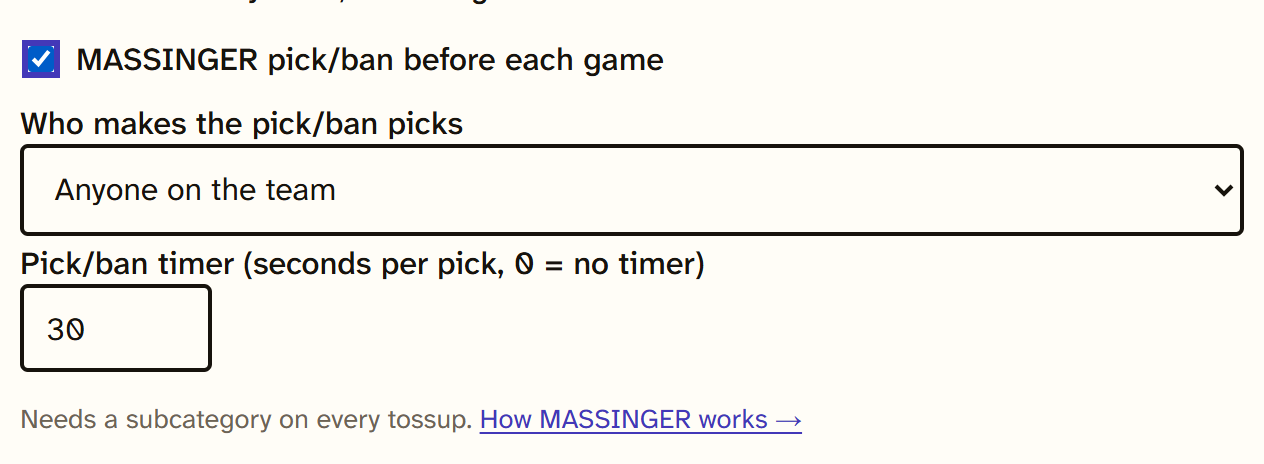
Both can change later in settings, or per game by the moderator.
2. Upload packets that qualify
Each round's packet needs:
- More than 20 tossups. 26 uses all six bans.
- A subcategory on every tossup, after the author, as
Category - Subcategory:
<Author, Science - Biology>. Commas in the name are fine (History - Cross, Historiography, and Miscellaneous). - At least two different subcategories.
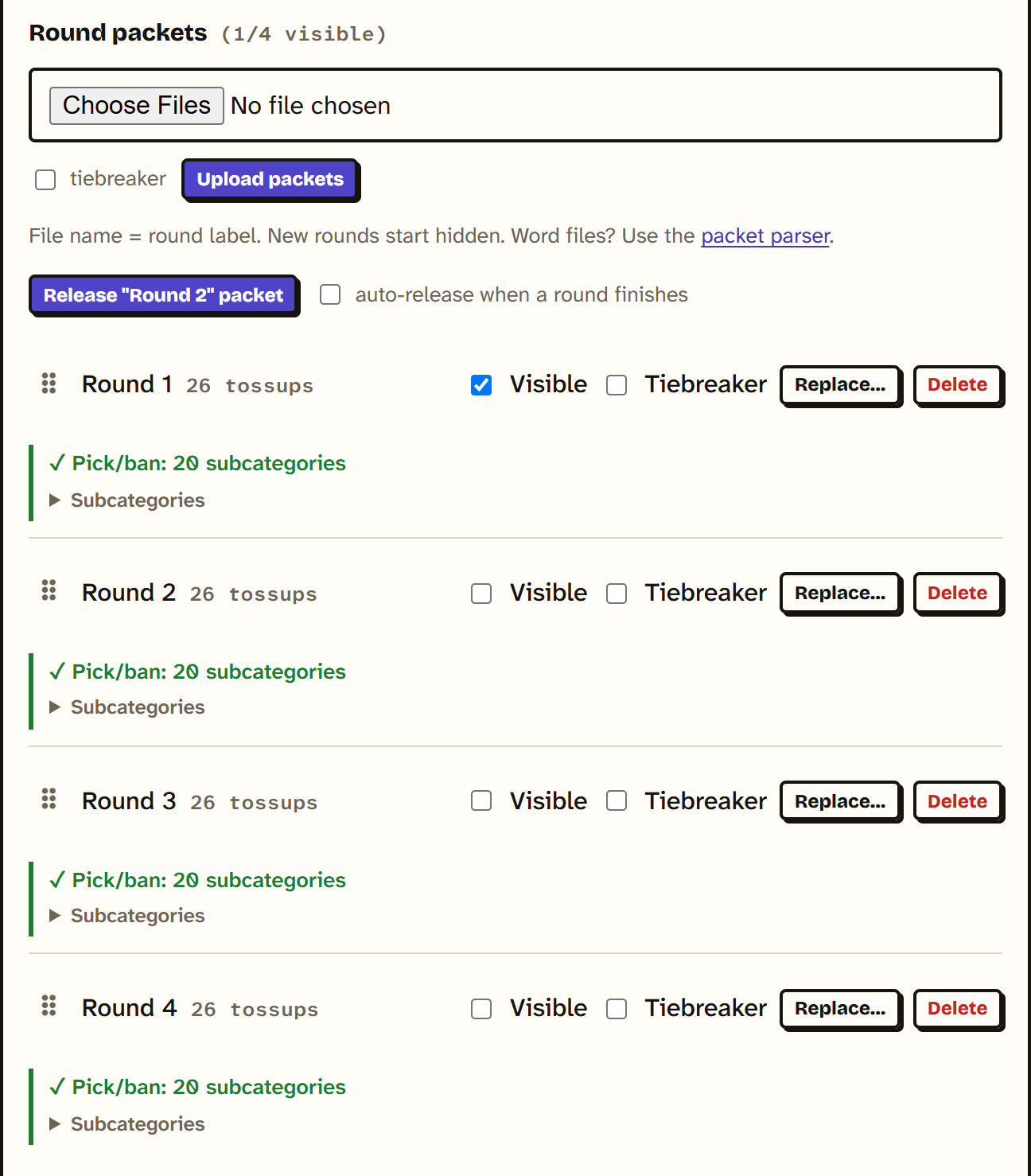
Other packets are read in full with no pick/ban. Upload on Packets & roster. New rounds start hidden.
Each round shows ✓ ready, ⚠ works but something looks off, or ✕ no pick/ban, with the reason. Fix the packet and use Replace…. Subcategories lists what teams will see.
3. Upload the roster
Also on Packets & roster. Moderators choose teams from it. With roster joining on, players pick their team when they join.
4. Rooms and moderators
Add rooms on Rooms. Send each moderator a reader link, or send the moderator invite link from Moderators & links and approve requests. Share the player landing page or room links with teams.
5. On the day
Click Release next packet for each round.
For moderators
- Pick the round, Start reading.
- Set the teams, Begin pick/ban.
- Players pick. Continue to the game.
- Read, then Save & next game.
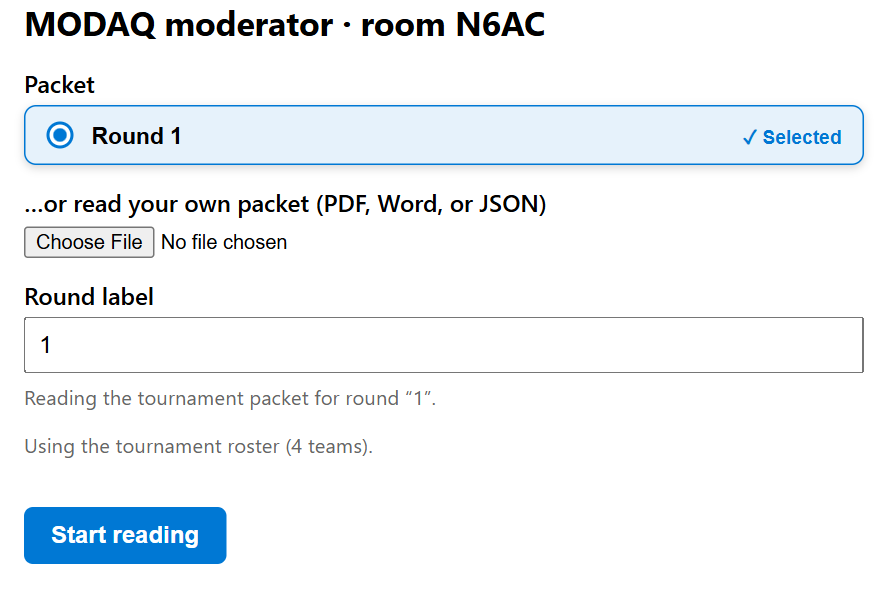
1. Pick the round
Open your reader link or Read here. Click the released round, then Start reading.
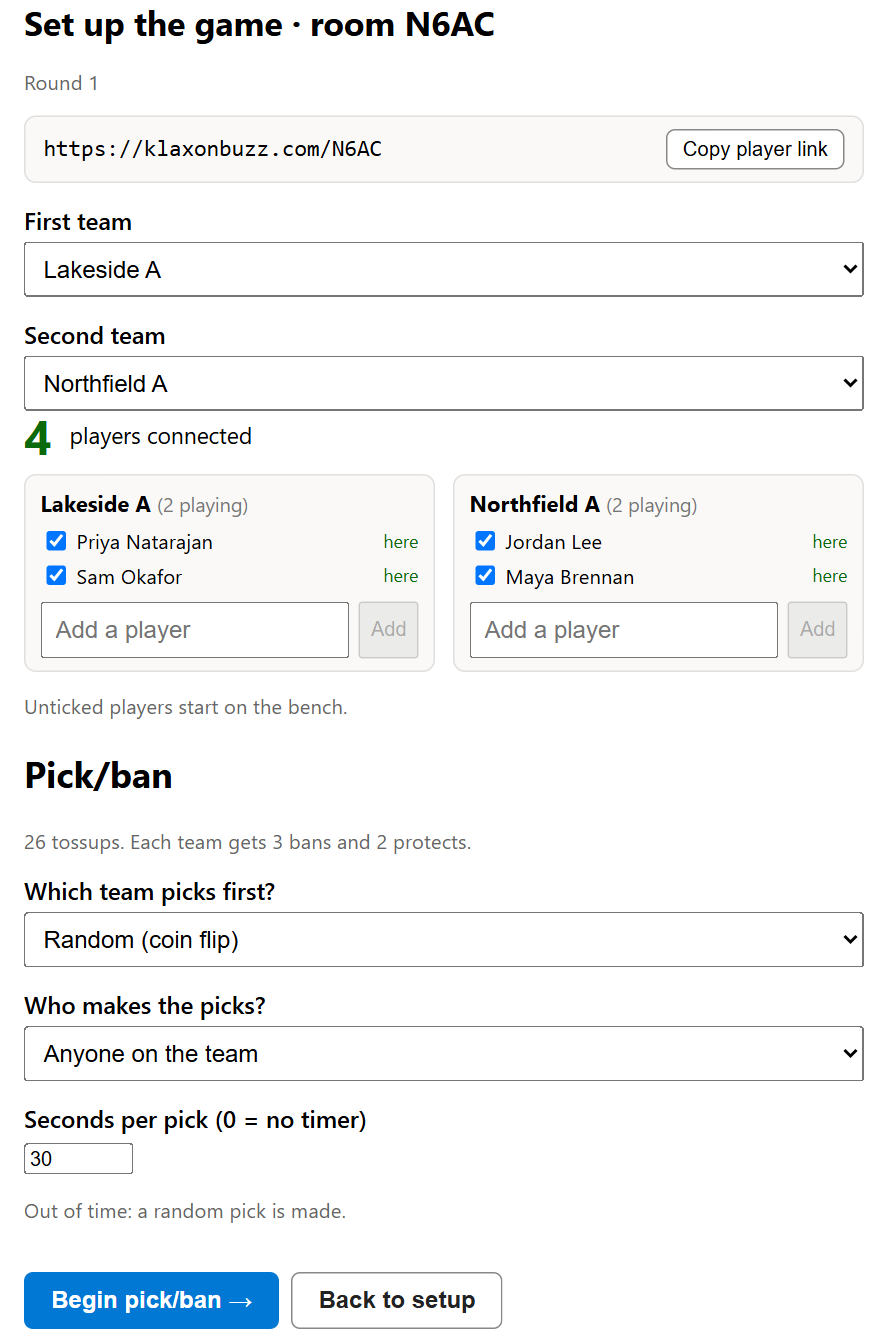
2. Set up the game
Choose both teams and put every connected player on one. Untick bench players. Under Pick/ban, check who picks first (coin flip by default), who picks, and the seconds per pick. Click Begin pick/ban.
A yellow note means the subcategories look off. No pick/ban for this round gives the reason. Tell the director, and restart the round once they replace the packet.
3. The pick/ban
Players pick on their screens. You see the turn, clock and last pick. You can also use Ban, Protect, Random ban, Undo last, Edit picks or Restart.
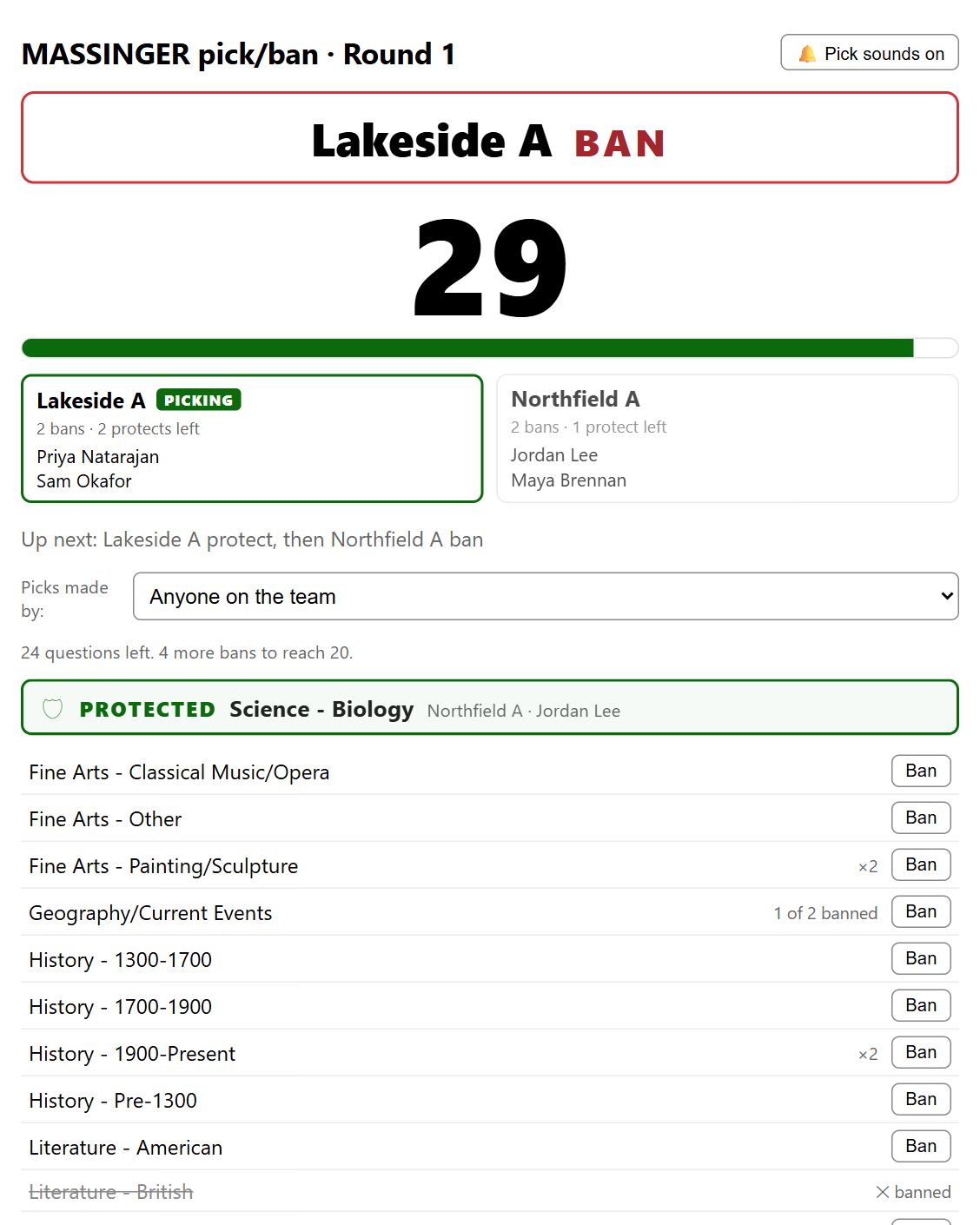
Then click Continue to the game.
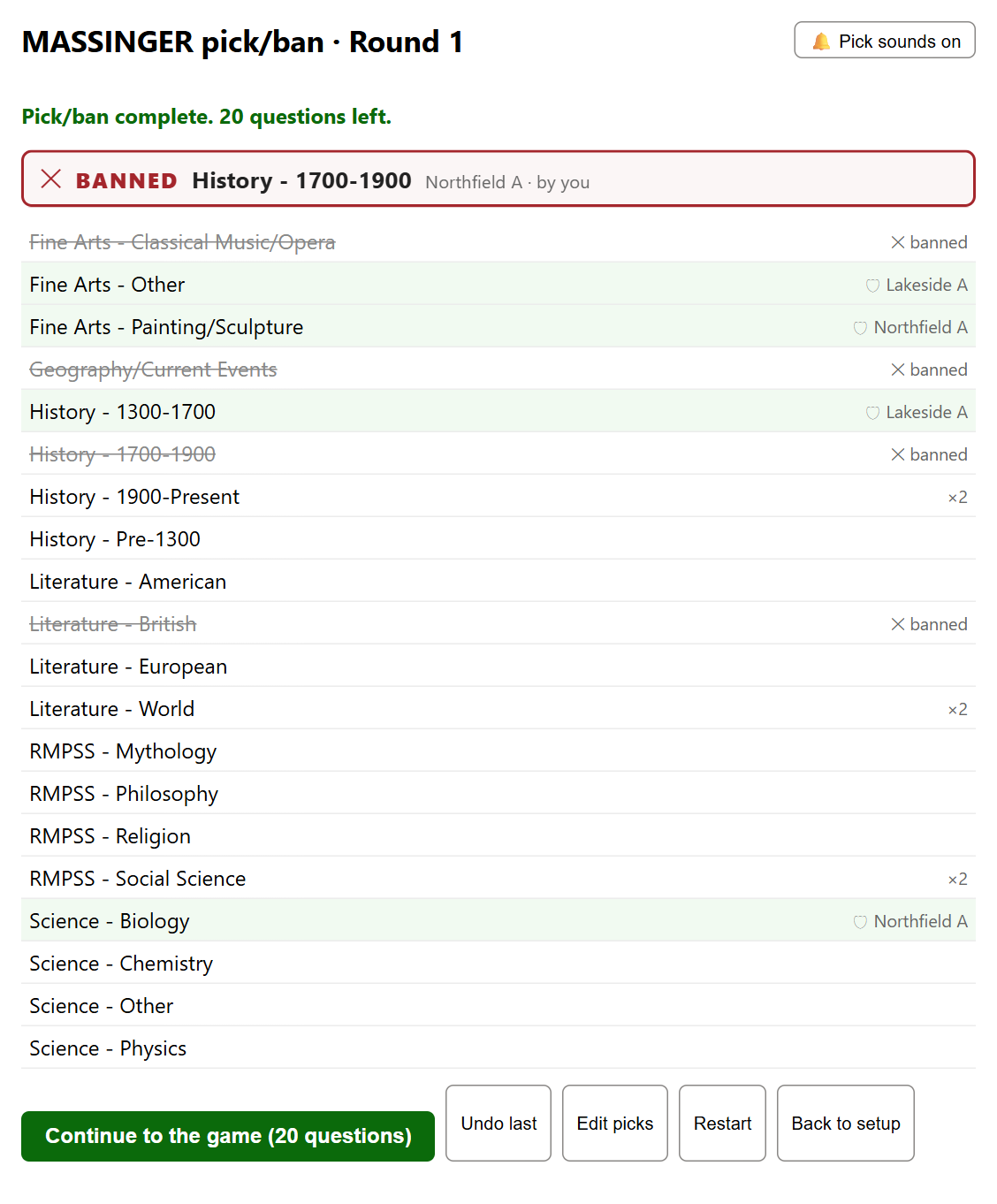
With random bans, click Draw the bans. Redraw starts over.
4. Read
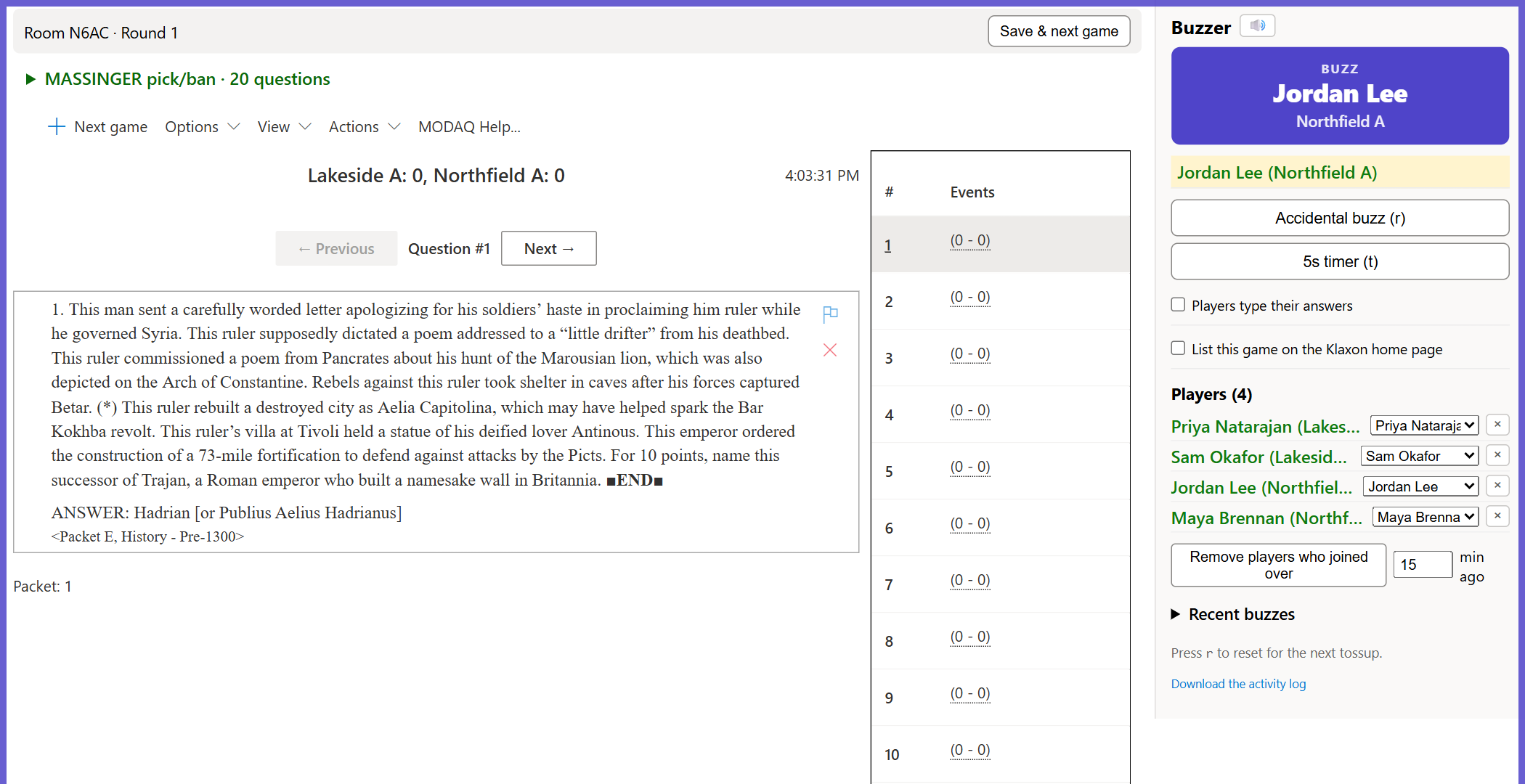
The game has the 20 remaining questions. Buzzes show on the right in large type, and the window edges flash. At the end, click Save & next game to file the game, download a backup and return to setup.
For players
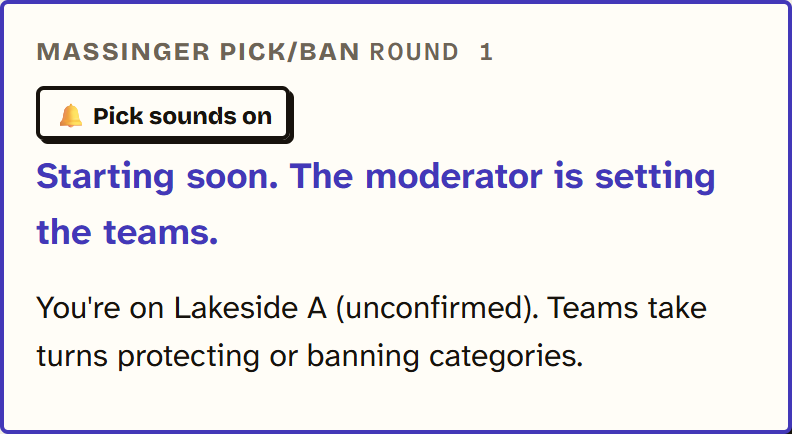
Join and pick your team and name. The panel says Starting soon during setup.
On your team's turn, each subcategory has a Ban or Protect button. Anyone on the team can pick unless the director chose captains or the moderator.
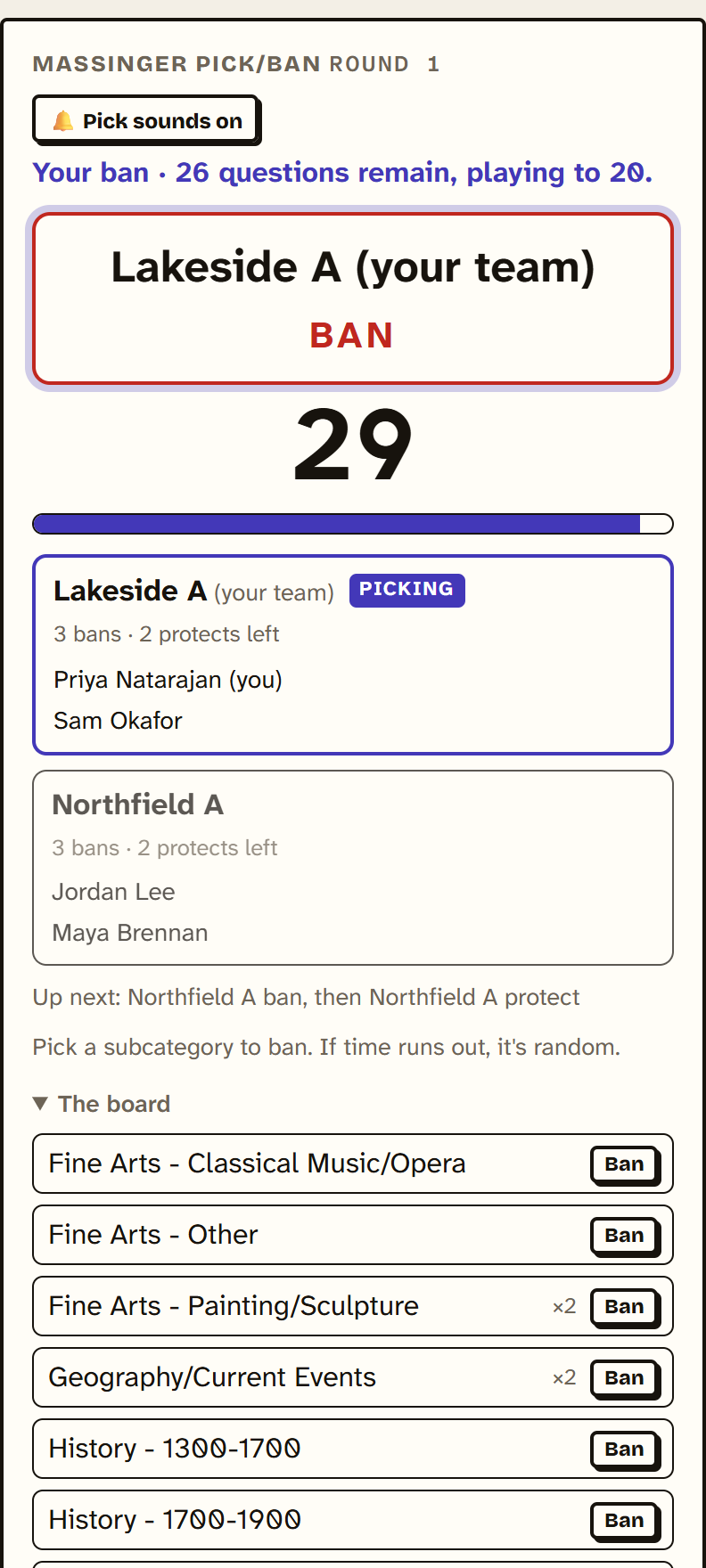
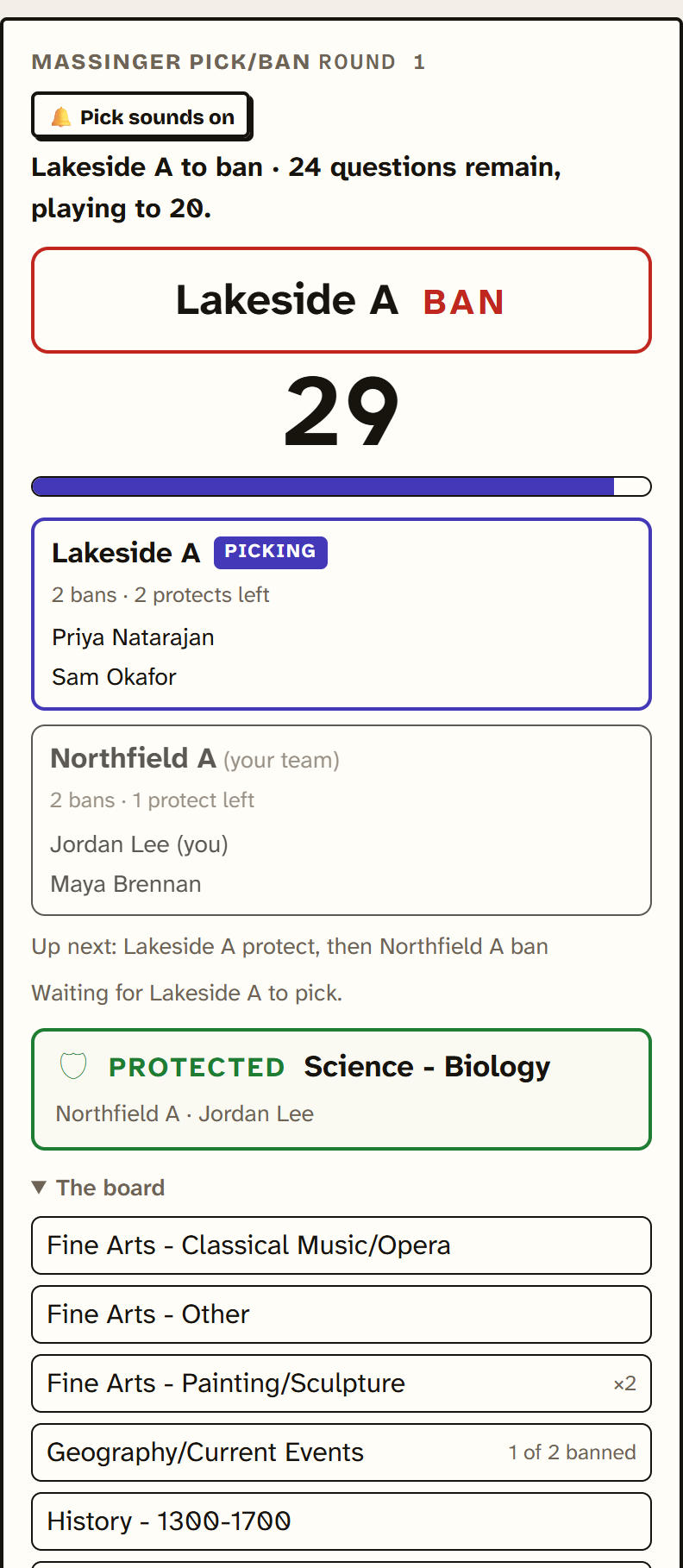
Pick sounds on/off at the top of the panel mutes pick sounds only.
After the games
Stats work as usual. Exports record picks and bans by category, and the buzzpoints zip
includes klaxon_massinger_picks.csv. Buzzes are numbered by the full packet. If
a packet changed after a game, klaxon_numbering_warnings.json lists the games
to check.
Questions
A player clicked too late and their pick didn't go through.
The board had moved on. The player sees why and can pick again. A team's protect waits 2.5 seconds after its ban to stop double-click mistakes.
Someone made the wrong pick.
The moderator can use Undo last or Edit picks.
A player can't pick: it says the room doesn't know their team.
The moderator puts them on their team in Set up the game.
The game is tied after 20 questions.
Read the banned tossups in packet order.
One packet has no subcategories.
That round is read in full with no pick/ban.